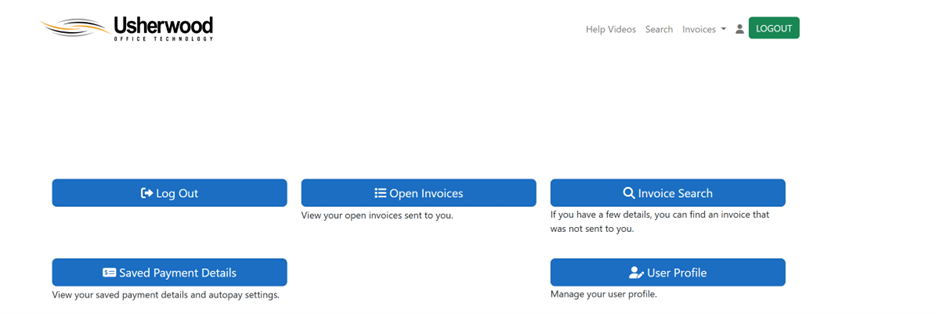

Usherwood Payment Portal - How To Guide
How to register to the Usherwood Payment Portal
Step 1.
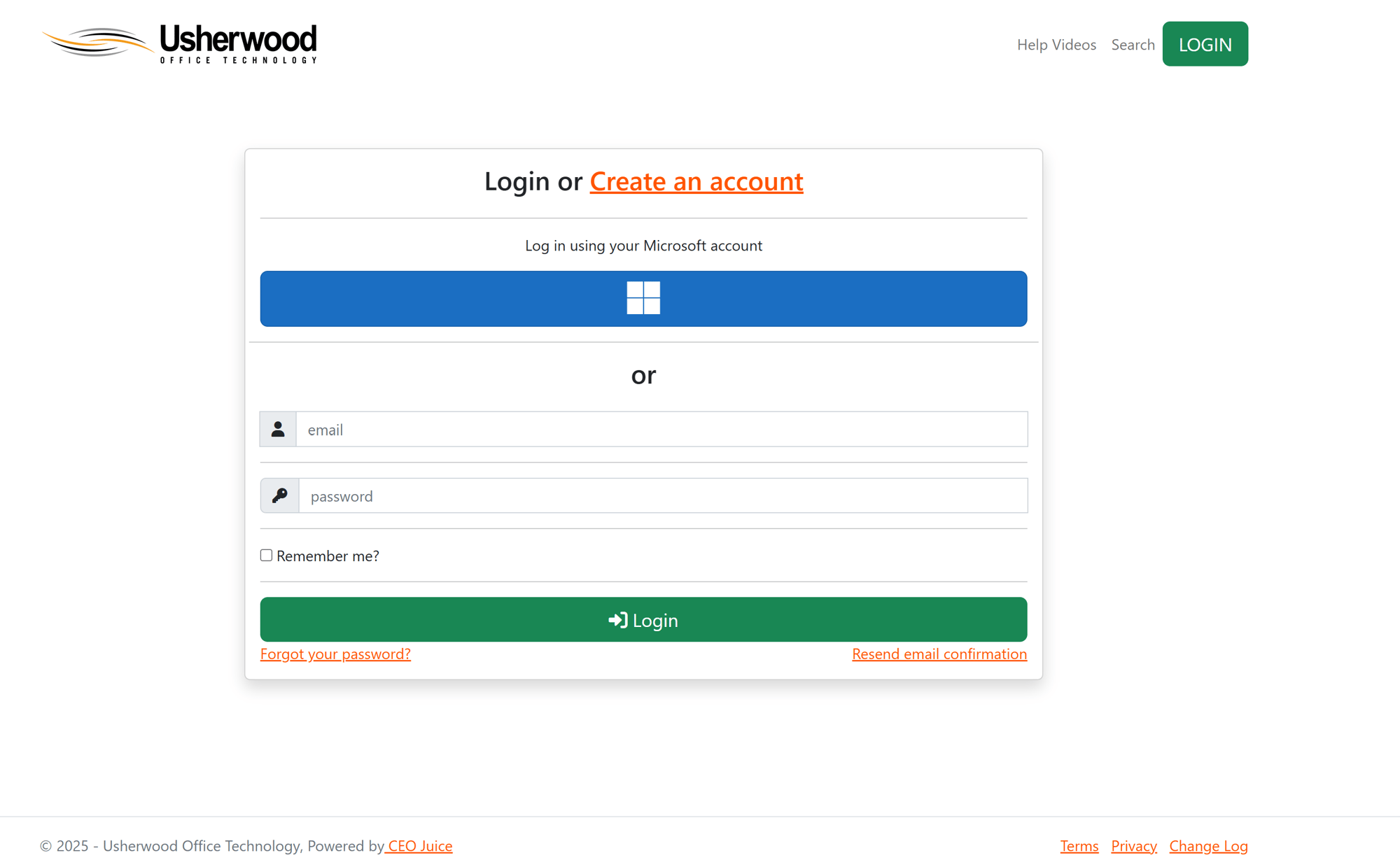
Navigate to: https://payments.ceojuice.com/Identity/Account/Login?referer=usherwood
And click “Create an Account”
Step 2.
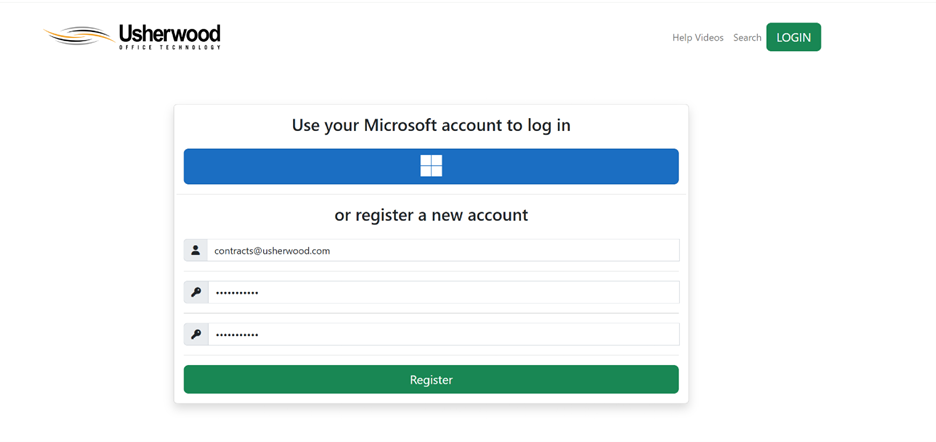
At the bottom of the form under “register a new account” fill in your email and set a password.
Step 3.
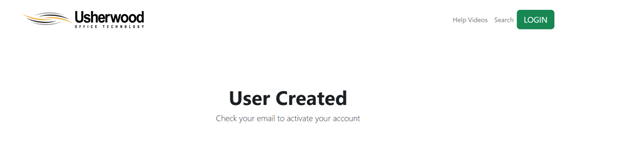
Click Register. You should get a screen that says “User Created”
Step 4.
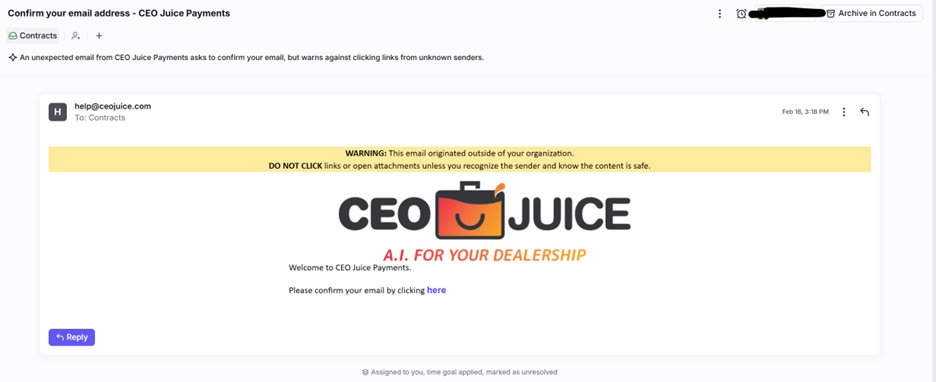
You will then get an email, at the address you used, from help@ceojuice.com with a link to confirm your email.
Step 5.
Click the link to confirm your email. This will take you to a screen where you can then log in.

Step 6.
Click log in and log into the portal.